Why You Absolutely Shouldn't Peel the Screen Protector Off Your Switch 2
Nintendo integrated a specialized anti-scatter safety film directly onto the new hardware—here is why removing it ruins your display.
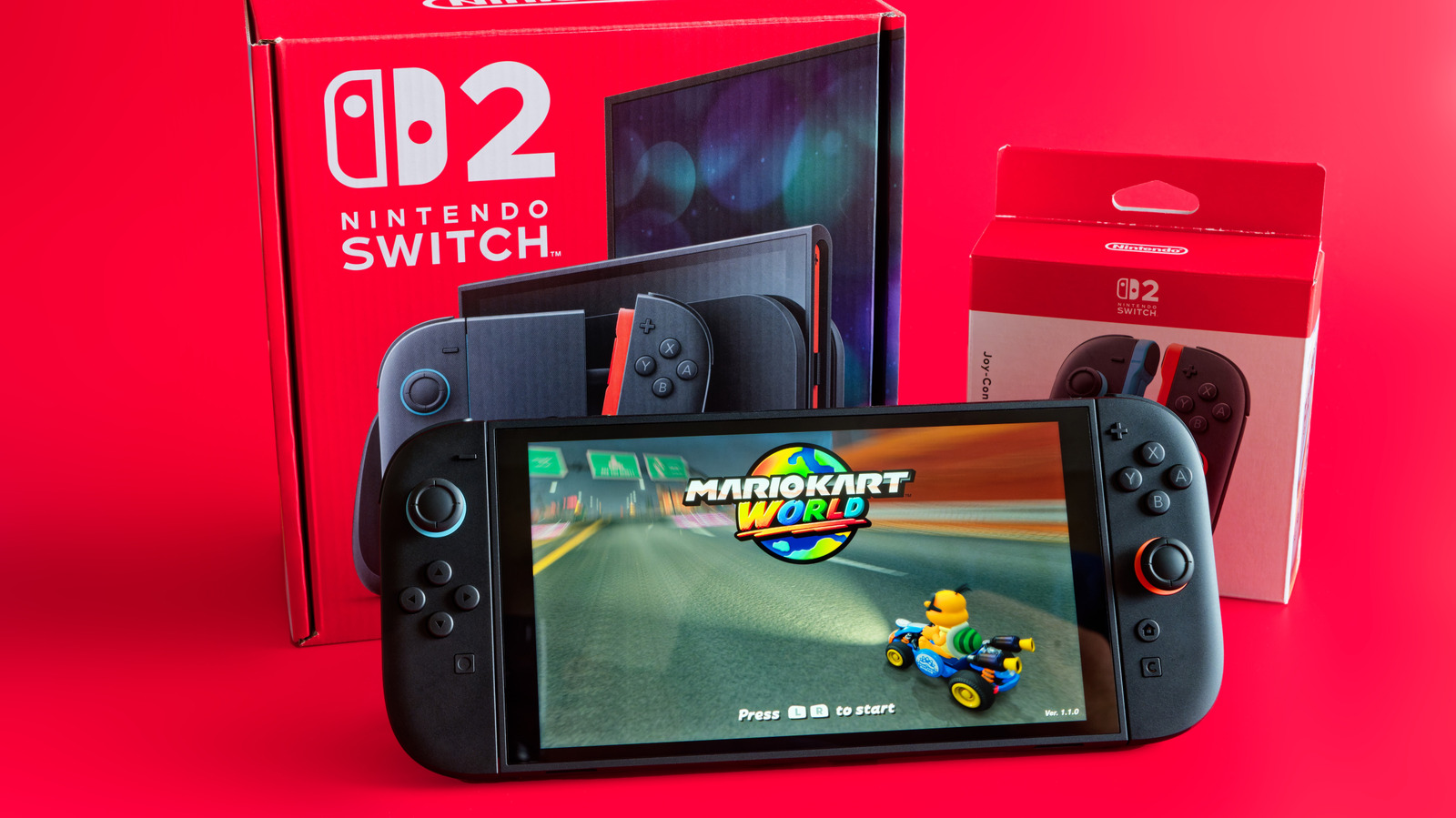
When you unbox a fresh piece of tech, peeling off the factory screen film feels like an unwritten mandatory ritual. But if you just unwrapped Nintendo's new handheld hybrid, step away from the corner of that glass before you ruin a four-hundred-dollar console.
Nintendo built a permanent, shatter-resistant film directly into the display assembly of the new hardware to prevent glass shatters during drops, meaning standard unboxing habits will instantly compromise your device.
Nintendo Switch 2
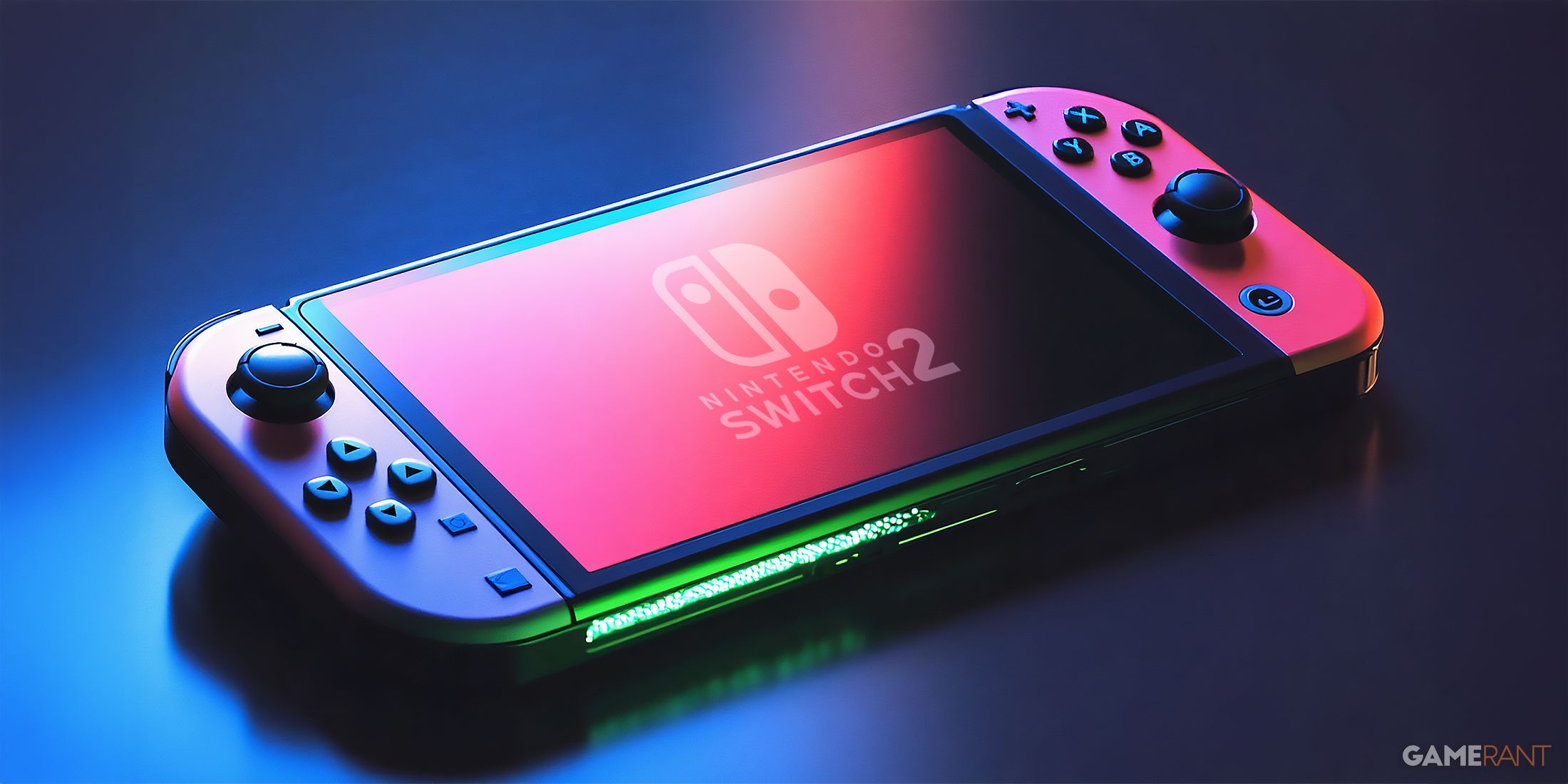
The display panel on the revised hardware uses a high-density polymer touch layer bonded straight to the underlying glass matrix. Unlike older consumer electronics where plastic sheets exist purely for shipping protection, this layer acts as an essential structural shield.
Peeling it back does not reveal a pristine, glossy glass screen underneath. Instead, you strip away the anti-shatter laminate, leaving the bare substrate vulnerable to micro-abrasions and shattering upon impact.
Tempered Glass Protector

If you hate fingerprints or micro-scratches on your portable gear, the correct approach is adding protection on top of what is already there, not stripping what the factory installed.
A quality tempered glass accessory adheres cleanly over the factory anti-scatter layer without leaving residue, preserving touch sensitivity while taking the brunt of everyday backpack friction.
Isopropyl Alcohol Wipe

Keeping your screen clean without resorting to harsh chemical cleaners is vital for maintaining the factory oleophobic coating. Always use a dry microfiber cloth or a dedicated electronics cleaning solution.
Drop a comment below if you have ever accidentally peeled a factory safety layer off a new gadget thinking it was just shipping trash!
How to Properly Protect Your New Display Without Damaging It
What You Need Before Starting: What you need: Tempered glass screen protector kit, clean microfiber cloth, compressed air can, and a dust-removal sticker sheet.
- Step 1: Power down your console completely by holding the top power button for three seconds and selecting Power Options > Turn Off.
- Step 2: Wash your hands thoroughly with soap and water to eliminate natural skin oils that create stubborn smudges during application.
- Step 3: Wipe the factory screen down gently using a clean dry microfiber cloth to clear away any floating dust or lint particles from shipping.
- Step 4: Peel the adhesive backing liner off your aftermarket tempered glass protector while holding it strictly by the outer edges.
- Step 5: Align the glass precisely with the speaker cutouts and bezel edges, lower it gently onto the display, and press down the center to let the silicone adhesive self-seal.
Troubleshooting: What If Something Goes Wrong?
PROBLEM 1: A stubborn dust speck or air bubble is trapped right underneath the new glass protector.
THE FIX: Lift the nearest corner of the glass very gently using a fingernail or a plastic guitar pick, use a dust-removal sticker to dab away the trapped speck from the underside, and roll the glass back down.
PROBLEM 2: Touch input feels slightly unresponsive or laggy after applying the secondary glass sheet.
THE FIX: Go into the system settings menu, navigate to Controllers and Sensors, and select Calibrate Touch Screen to recalibrate digitizer sensitivity for the added glass thickness.
PROBLEM 3: You already peeled off the factory film and notice the screen looks sticky or scratches easily.
THE FIX: Stop using the console immediately, order a specialized replacement anti-scratch film kit online, and apply a fresh polymer sheet to restore the structural safety layer.
Original step-by-step tech guide & analysis by KejaniTech. Tried this guide or ran into a question? Drop a comment below!


Comments
Post a Comment