Why United Airlines Just Slammed the Door on AI Booking Agents
Airlines are blocking autonomous booking bots over privacy laws, safety attestations, and liability fears.

If you thought you were about to hand off your tedious flight booking chores to a personalized AI agent living on your phone, think again. United Airlines just officially announced that it will block autonomous AI tools from purchasing tickets on its platform, citing strict regulatory frameworks and personal data privacy concerns.
While your personal LLM companion can happily browse schedules and compare prices, the moment it tries to slide your credit card details across the application programming interface to lock in a seat, the system slams shut. Let us break down why airlines are pushing back against the rise of agentic artificial intelligence and what this means for your next vacation.
United Boeing 737 MAX
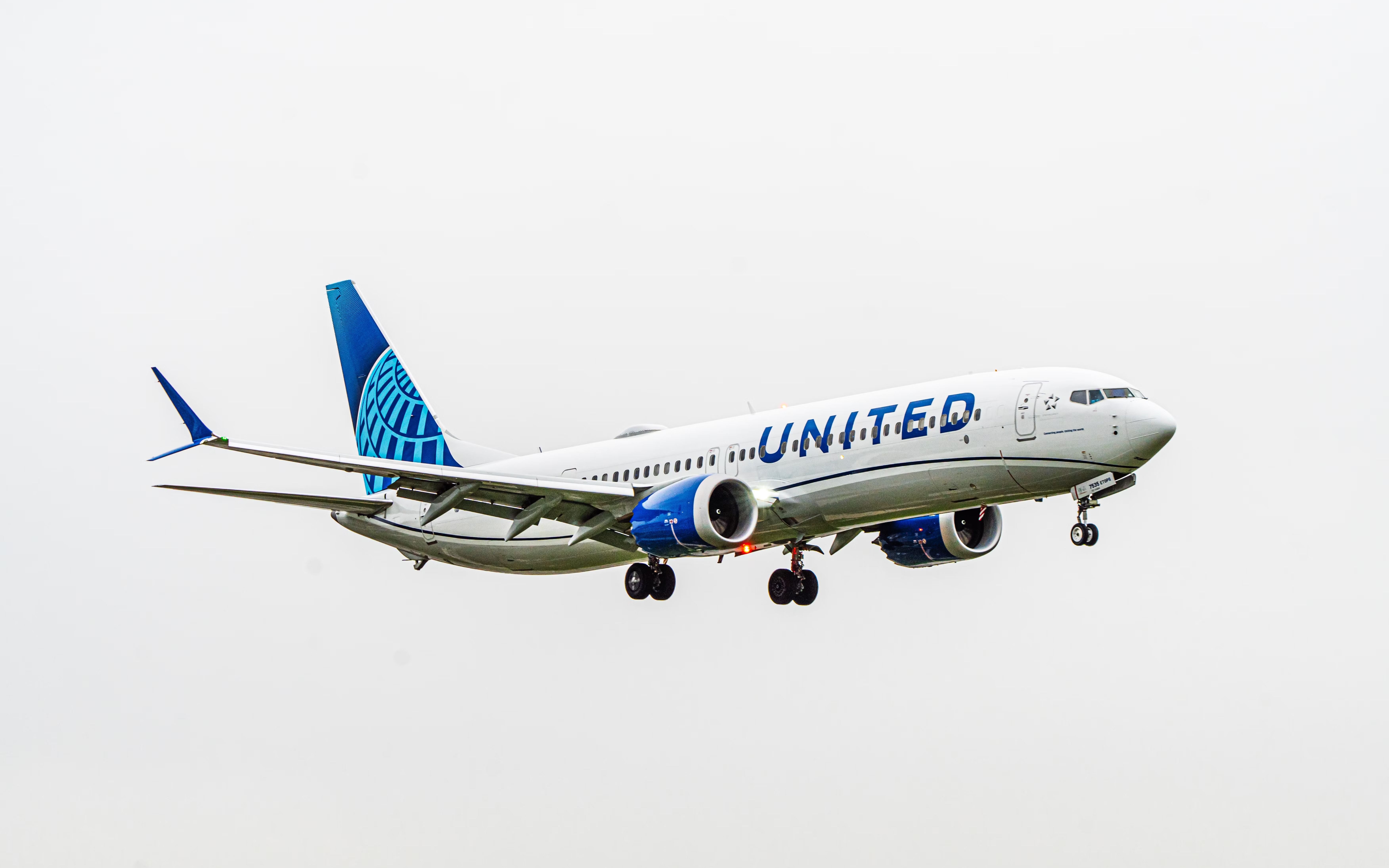
The core issue comes down to federal oversight enforced by the Federal Aviation Administration and the Department of Transportation. When you buy a plane ticket directly, you are legally required to confirm mandatory safety attestations, such as verifying that your checked luggage does not contain forbidden hazardous materials or explosives.
An autonomous script or LLM agent executing a transaction in the background might click past these legal checkboxes without your direct human intent. If an automated script bypasses these mandatory disclosures, the airline faces heavy compliance penalties under federal transport law.
Apple iPhone 16 Pro

Airlines also have legitimate anxieties regarding personal data exposure and secure credential handling. Allowing a third-party AI assistant to log into your frequent flyer account, scrape your travel history, and store your payment tokens opens up massive security vulnerabilities.
Carriers are aggressively updating their web application firewalls and rate-limiting policies to detect and block headless browser agents. Instead of seamless automation, airlines want you looking right at their official mobile apps so they can serve you ancillary upsells like baggage fees and seat upgrades.
Google Chrome Web Browser

This standoff exposes a fascinating friction point between the tech industry's push for autonomous agentic workflows and legacy enterprise infrastructure. While you can still use AI to aggregate flight options, the final checkout click remains firmly tied to human verification.
Have you tried letting an AI plan an itinerary yet, or do you prefer keeping total control over your travel plans? Drop your thoughts in the comments below.
How to Safely Use AI for Flight Research Without Getting Blocked
What You Need Before Starting: A web browser, a personal AI assistant like ChatGPT or Claude, and official airline mobile apps.
- Step 1: Prompt your AI assistant strictly for research and comparison, asking it to output a markdown table of flight options, prices, and layover durations.
- Step 2: Copy the specific flight numbers and dates provided by the AI rather than letting the assistant interact directly with the airline website.
- Step 3: Open the official airline mobile app or verified desktop browser portal directly to avoid triggering anti-bot security walls.
- Step 4: Manually enter your passenger details, frequent flyer membership numbers, and seat preferences into the native checkout flow.
- Step 5: Carefully read and manually check all required federal safety, baggage, and hazardous material disclosures before submitting payment.
Troubleshooting: What If Something Goes Wrong?
PROBLEM 1: The airline website blocks your browser with a Cloudflare or bot-detection error screen.
THE FIX: Disable any automated browser extension plugins or AI scrapers running in the background, clear your browser cookies, and reload the official page in a clean incognito window.
PROBLEM 2: Your AI assistant hallucinates flight prices or schedules that no longer exist on the airline's live inventory.
THE FIX: Always treat AI outputs as a general baseline guide, and verify real-time seat availability directly on Google Flights or the carrier's primary search engine before booking.
PROBLEM 3: Your credit card transaction is flagged for fraud because an automated script tried to execute the checkout too quickly.
THE FIX: Slow down your input pace, ensure your billing address matches your bank records exactly, and use the official mobile app which maintains secure tokenized session states.
Original step-by-step tech guide & analysis by KejaniTech. Tried this guide or ran into a question? Drop a comment below!


Comments
Post a Comment