Why Russian Tech Is Desperately Burying Data Centers Underground
How relentless drone strikes are forcing cloud infrastructure into subterranean bunkers.
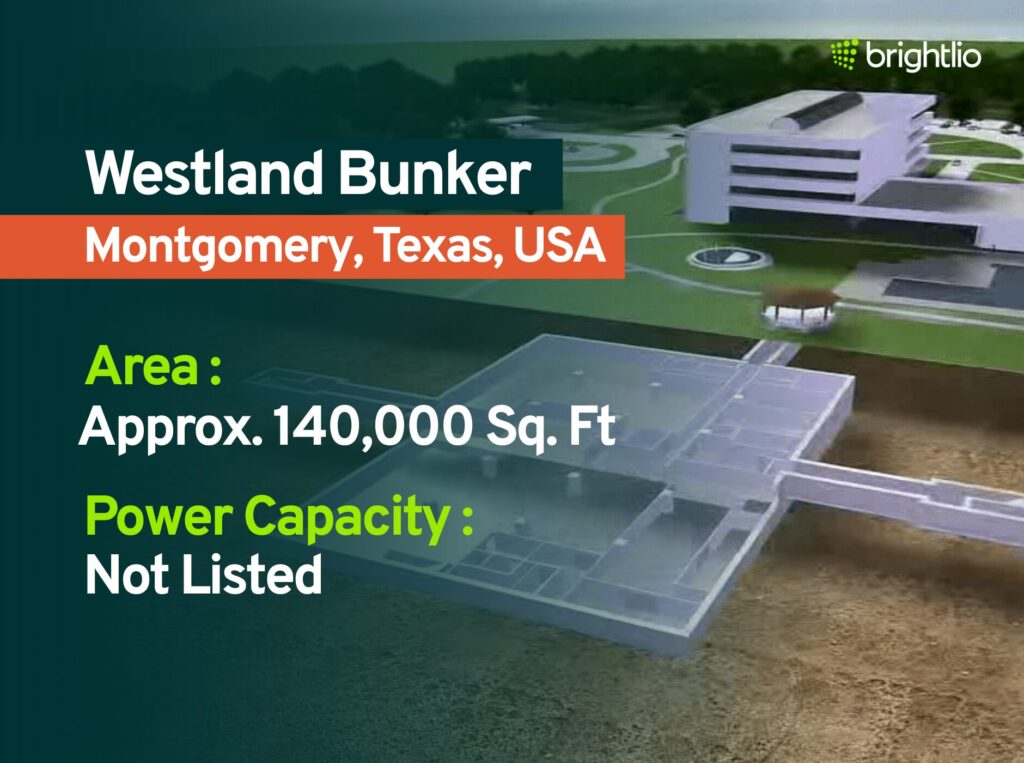
When we talk about server reliability at KejaniTech, we usually worry about redundant power supplies, thermal paste bake-off, or a stray fiber cut by a backhoe. We rarely talk about incoming loitering munitions turning an entire rack of high-end AI accelerators into expensive slag. But that is the stark reality facing server operators right now.
As cross-border drone strikes continue to target critical infrastructure, Russian tech companies are actively racing to relocate vital cloud clusters and AI training nodes deep underground. It is a radical return to cold war civil engineering protocols driven entirely by the realities of modern asymmetric warfare.
The Vulnerability of Above-Ground Cloud Infrastructure

Standard commercial data centers are basically giant metal and concrete boxes designed for cheap power access and straightforward cooling loops. They rely on massive perimeter fences and physical guards, which are utterly useless against autonomous or remotely piloted drones carrying shaped charges. When a strike hits a facility housing dense clusters of enterprise GPUs, it does not just knock out a website—it vaporizes irreplaceable compute capacity that cannot be easily restocked under international supply restrictions.
This vulnerability has forced a complete rethinking of physical site selection. Instead of putting facilities near cheap hydroelectric dams on flat, open terrain, engineers are looking at abandoned military bunkers, deep mine shafts, and subterranean industrial tunnels that offer thick layers of solid earth protection against blast fragmentation and heat signatures.
Engineering Challenges of Subterranean Server Halls
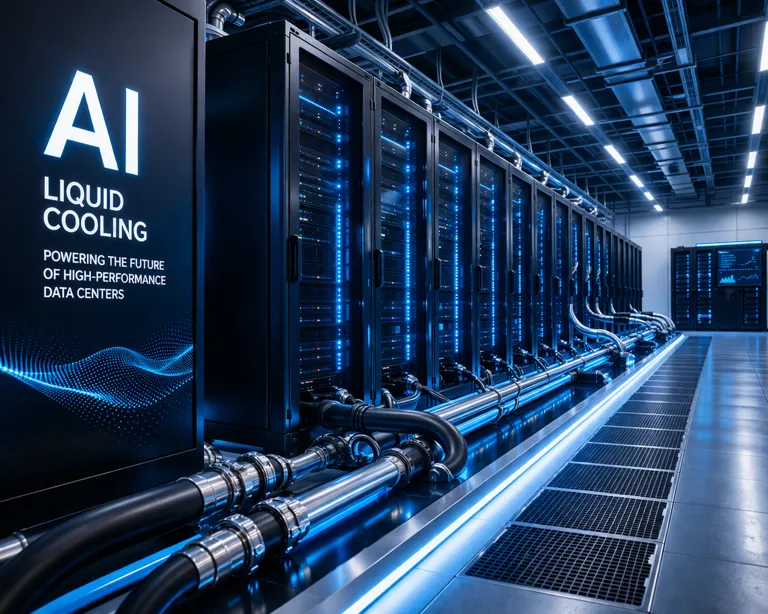
Moving a data center underground is not as simple as dragging a rack into a cave. Subterranean spaces present massive engineering nightmares, starting with humidity and thermal management. Underground rock retains ambient heat and moisture, which wreaks havoc on sensitive electronics if air exchange is not strictly managed. Facilities must deploy heavy-duty industrial dehumidifiers and closed-loop liquid cooling systems rather than relying on standard outside air economizers.
Power delivery and network latency are the other major hurdles. Running high-voltage lines down deep shafts requires specialized shielding to prevent electromagnetic interference, and every underground bunker needs multiple redundant fiber optic entry points routed through reinforced conduits to prevent a single cave-in or blast from severing the facility from the outside world.
State Mandates and the Shift Toward Emergency Compute

Beyond physical hardening, the geopolitical pressure on these underground facilities is changing how cloud computing is allocated. Regulators are requiring operators to legally reserve a percentage of their bare-metal capacity for emergency state functions during crises. This means private companies running commercial AI pipelines or web hosting services are suddenly sharing space with government telemetry and automated logistics systems.
It highlights an uncomfortable truth for the global tech sector: as infrastructure becomes a direct military target, the firewall between civilian cloud hosting and state defense architecture is dissolving faster than a cheap plastic heatsink.
How to Plan and Build a Hardened Local Offline Compute Node
What You Need Before Starting: A spare workstation or rackmount chassis, enterprise SSDs, UPS battery backup, and a shielded metal enclosure.
- Step 1: Select a low-vibration, physically secure location in your building away from exterior windows and standard foot traffic zones.
- Step 2: Install an uninterruptible power supply (UPS) with AVR (Automatic Voltage Regulation) to clean dirty line power and handle sudden brownouts.
- Step 3: Mount your server hardware inside a heavy-gauge steel rack cabinet with lockable side panels to secure physical access.
- Step 4: Configure isolated local networking by disabling unnecessary Wi-Fi interfaces and routing all administrative traffic through hardwired Ethernet with physical kill switches.
- Step 5: Run stress tests using tools like stress-ng and monitor thermal dissipation to ensure your enclosure handles sustained high-load operations without throttling.
Troubleshooting: What If Something Goes Wrong?
PROBLEM 1: Server overheating inside a confined or enclosed security cabinet.
THE FIX: Install high-static-pressure exhaust fans in a push-pull configuration and ensure a minimum two-inch clearance around all intake vents.
PROBLEM 2: Unstable power triggers unexpected reboots during peak compute loads.
THE FIX: Verify that your UPS total wattage rating exceeds your power supply unit peak draw by at least 30 percent and replace degraded lead-acid battery cells.
PROBLEM 3: Network packet loss or interference due to thick physical walls or metal enclosures.
THE FIX: Use armored, shielded Cat6A cables (STP) and route them away from high-voltage AC power lines to eliminate electromagnetic interference.
Original step-by-step tech guide & analysis by KejaniTech. Tried this guide or ran into a question? Drop a comment below!


Comments
Post a Comment