Stop Letting Bloated Codebases Waste RAM: Why We Need Zero-Overhead Apps
A look at why lightweight local utilities are beating heavy web-wrapper apps and how to ditch them.

We have all opened Task Manager only to find a simple notepad or chat application consuming gigabytes of RAM just because it runs inside a bloated browser runtime. It is time to admit that modern desktop software has gotten completely out of hand.
Instead of accepting heavy memory footprints as the cost of doing business, savvy users are pivoting back to native binaries and lightweight utilities that actually respect system resources.
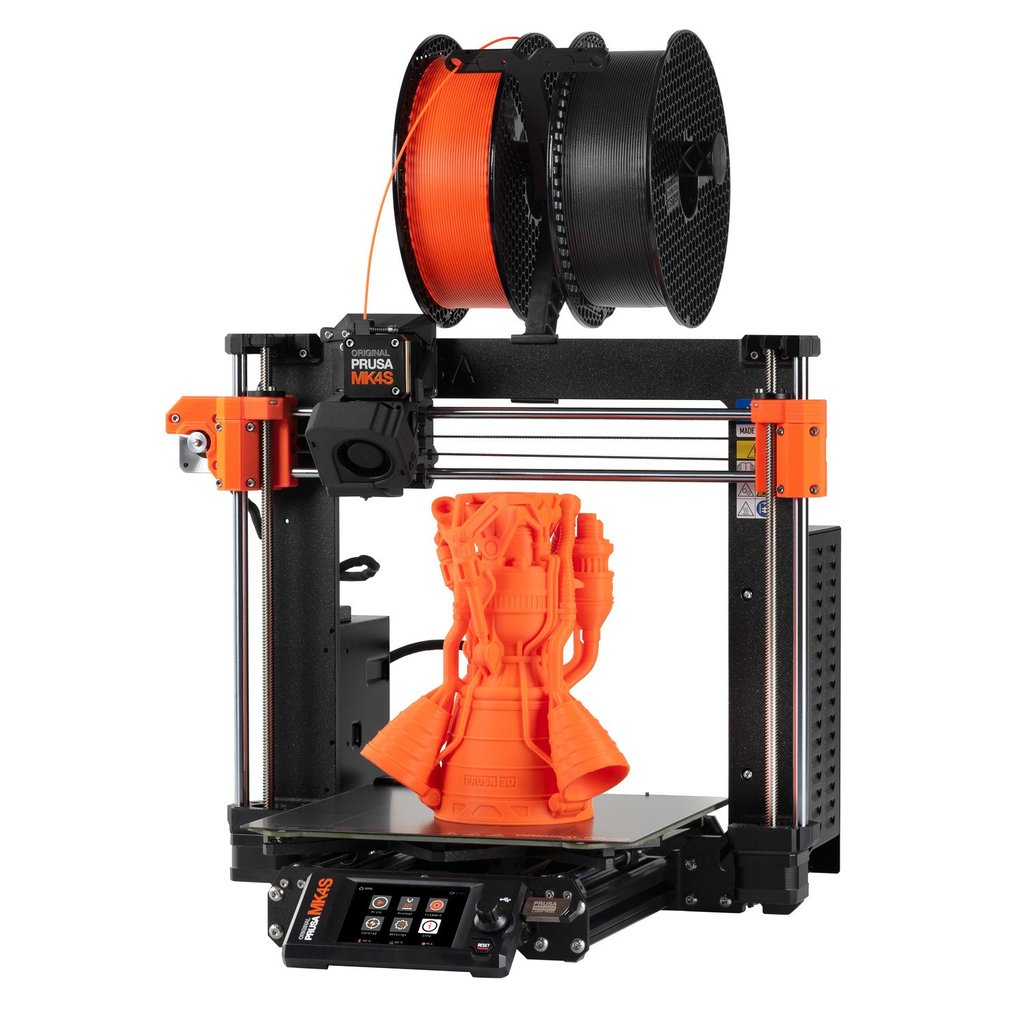
Shure MV7 Plus
When you are upgrading your audio setup for daily calls, hardware choices matter just as much as software efficiency. The Shure MV7 Plus fixes the annoying connection limits of older mics by offering native USB-C alongside built-in hardware DSP, meaning you do not need a heavy background application running to process your voice.
It also features a customizable LED touch panel directly on the chassis so you can monitor your levels at a glance without alt-tabbing out of your full-screen applications.
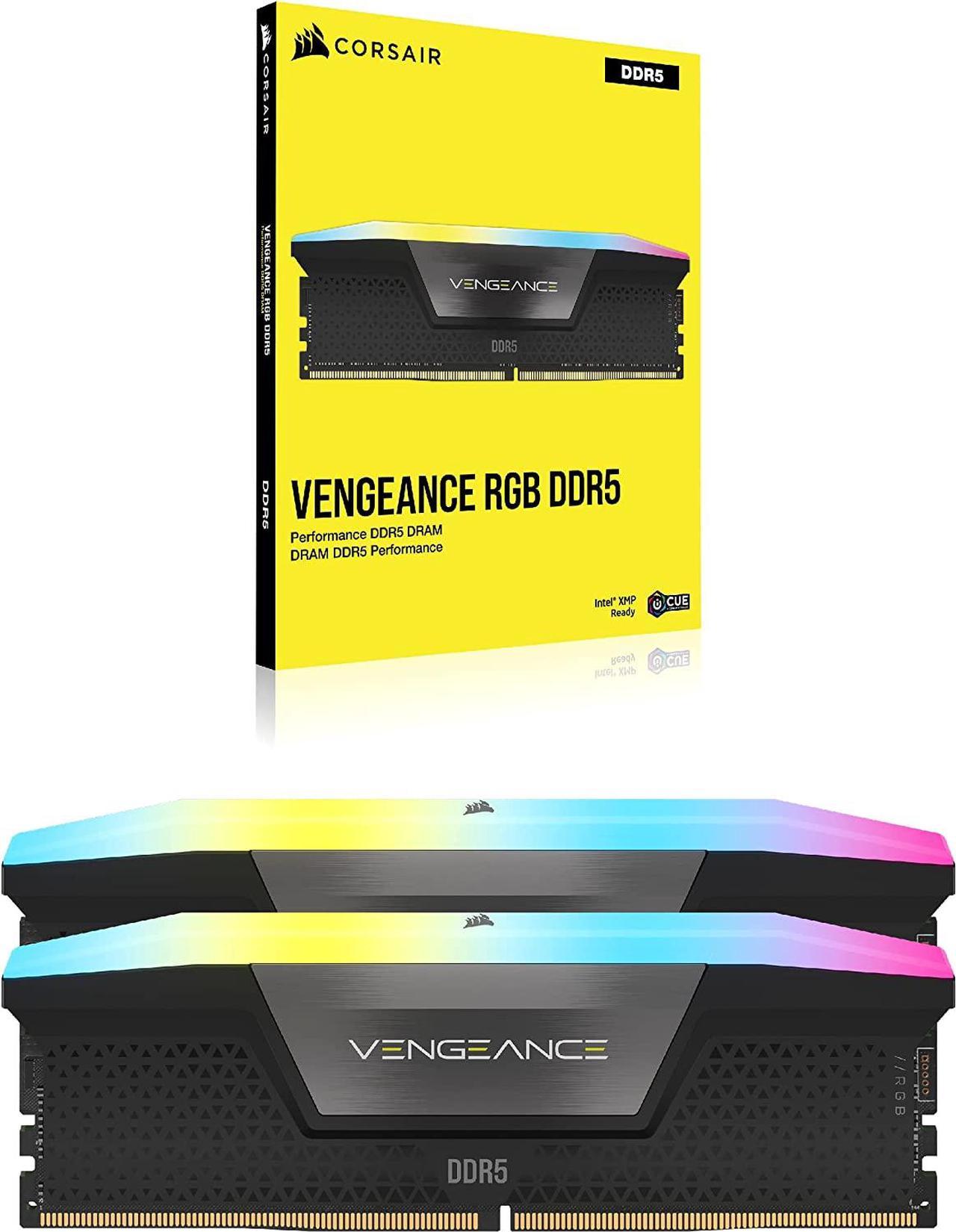
Framework Laptop 16
Hardware bloat is just as bad as software bloat, with soldered components forcing entire laptops into landfills when a single port fails. Modular machines like the Framework Laptop 16 prove that we can have high performance without sacrificing repairability or right-to-repair principles.
Every single port, expansion card, and internal module is easily swappable with a single T5 Torx driver, keeping your hardware running lean and upgradeable for years.
Apple Mac mini M4

On the desktop side, systems like the Apple Mac mini M4 demonstrate what happens when silicon design is unified with efficient memory architectures. By integrating unified memory directly onto the package alongside the CPU and GPU cores, bandwidth bottlenecks disappear while idle power draw drops to mere watts.
It is proof that modern silicon does not need massive cooling towers or power supplies to chew through demanding daily tasks.
How to Audit and Strip Heavy Background Apps from Your PC
What You Need Before Starting: A Windows or Linux computer, Task Manager or htop, and a willingness to replace web-wrapper apps with native alternatives.
- Step 1: Open Task Manager (Ctrl + Shift + Esc on Windows) or htop on Linux and sort your running processes by Memory usage to identify the heaviest offenders.
- Step 2: Identify which of those high-RAM apps are actually Electron or browser-based wrappers running independent Chromium instances for simple text or chat tasks.
- Step 3: Search for native, compiled alternatives written in languages like Rust, C++, or Go that perform the same function with a fraction of the RAM footprint.
- Step 4: Uninstall the bloated apps completely using an uninstaller tool like Revo Uninstaller to clear out lingering registry keys and cache folders.
- Step 5: Reboot your machine, open your new lightweight native apps, and verify in Task Manager that your idle RAM consumption has dropped significantly.
Troubleshooting: What If Something Goes Wrong?
PROBLEM 1: A native alternative lacks a specific feature found in the bloated web app version.
THE FIX: Check if the native app supports community plugins or command-line flags that add the missing functionality without adding background bloat.
PROBLEM 2: Background notifications stop working after switching to a lightweight client.
THE FIX: Ensure your operating system's native notification daemon is allowed to run in the background and has permission to push alerts from your new app.
PROBLEM 3: The new native app fails to launch or throws a missing dependency error on startup.
THE FIX: Install the required runtime libraries or Visual C++ redistributables specified in the app documentation, or download the static binary release.
Original step-by-step tech guide & analysis by KejaniTech. Tried this guide or ran into a question? Drop a comment below!


Comments
Post a Comment