I Added MagSafe to My Boox Picco Reader and Regret Nothing
How to snap your favorite pocket e-reader to magnetic mounts using cheap aftermarket accessories.
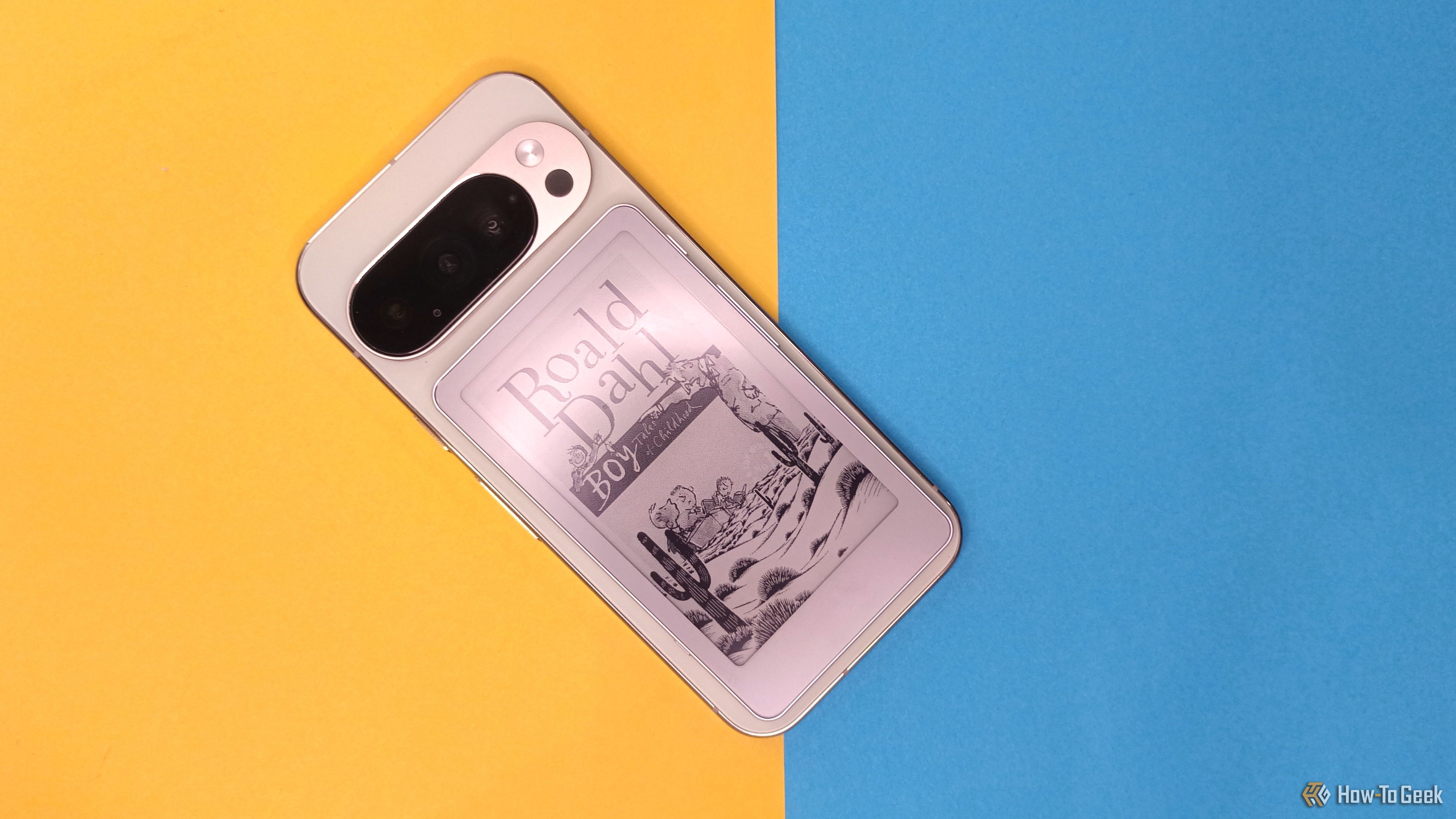
E-readers belong in your pocket, on your nightstand, and stuck to your kitchen fridge while you flip through a recipe. The problem is that manufacturers rarely build magnetic attachment systems into hardware meant strictly for reading black-and-white text.
When Onyx dropped the MagSafe case option for their latest pocket-sized e-reader, I decided to fix the oversight myself using a cheap metal ring and sheer stubbornness.
Onyx Boox Picco
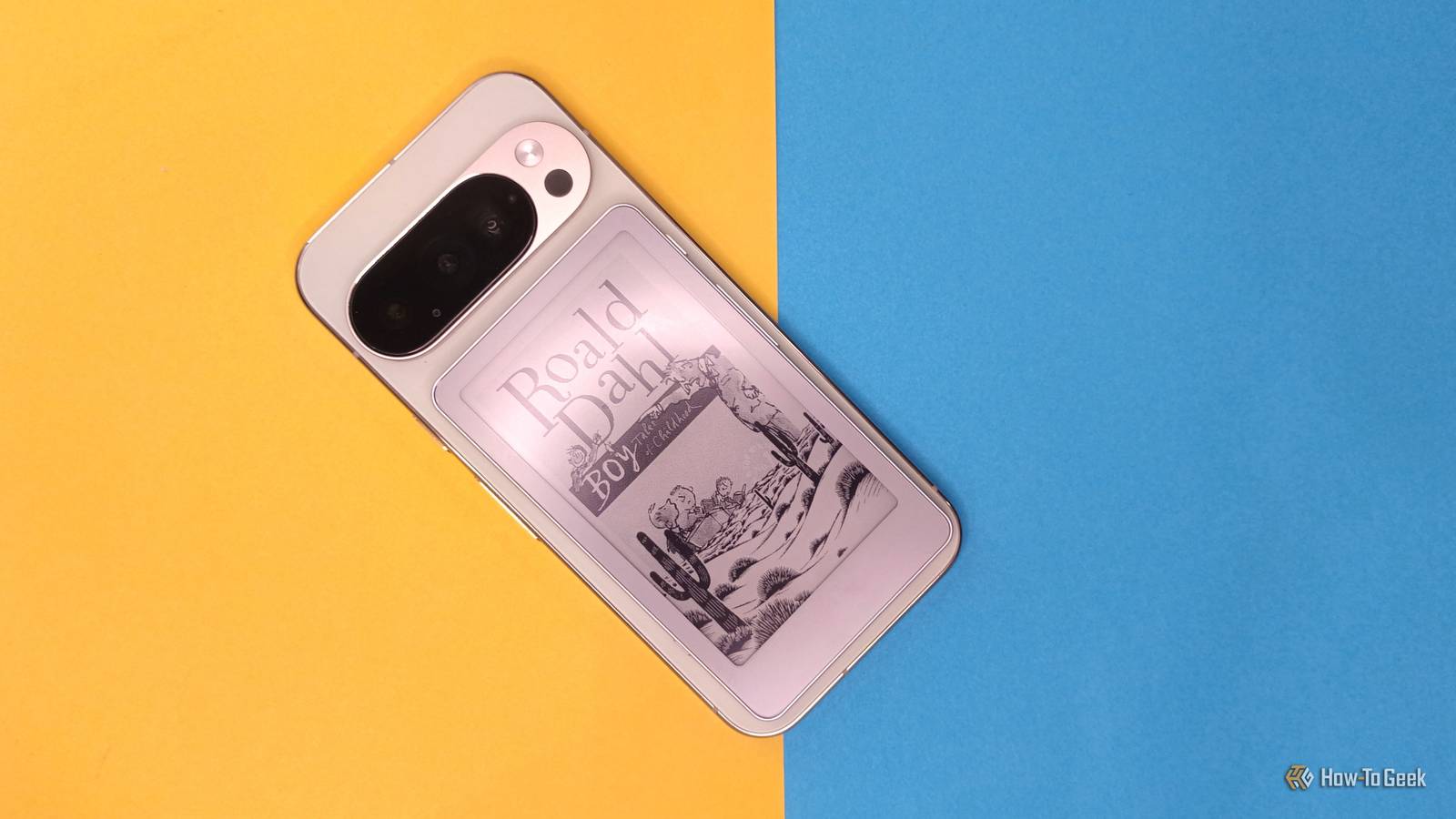
The Onyx Boox Picco is an absolute joy for anyone who reads on the go, offering crisp electronic paper and a form factor that easily slips into a jacket pocket. Unfortunately, the accessory ecosystem for smaller niche e-readers moves slowly, leaving early adopters stranded without official magnetic folio options.
Because third-party manufacturers have not caught up to this specific design gap, standard phone accessories are the only viable path forward for adding mounting versatility.
MagSafe Ring Adapter

Adding magnetic capability requires a thin ferrous metal ring with 3M backing, typically sold for converting standard phone cases into MagSafe-compatible shields. These rings are exceptionally thin, adding negligible thickness to the back of a slim e-reader while providing a secure hold against standard magnetic stands and car mounts.
The key is selecting a ring with high-grade adhesive that bonds securely to textured plastic or matte metal backs without leaving permanent gummy residue if removed later.
Anker Magnetic Phone Grip

Once the adhesive ring is centered on the back of your e-reader, you can snap on any magnetic accessory like the Anker MagSafe Ring Holder or a wireless charging puck for desk mounting. This setup turns a standard dedicated reading device into a hands-free display for following tutorials or reading books while eating lunch.
Have you ever modified an e-reader or tablet to fit your mounting habits, or do you prefer keeping your hardware completely stock?
How to Add MagSafe to Any E-Reader
What You Need Before Starting: Onyx Boox Picco eReader, an adhesive MagSafe ring adapter, rubbing alcohol wipe, and a microfiber cloth.
- Step 1: Clean the back panel — Wipe down the rear surface of your e-reader using a 70 percent isopropyl alcohol pad to remove skin oils and dust.
- Step 2: Find the center balance point — Power on your reader and hold it naturally in one hand to find where your palm rests, marking the vertical and horizontal center on the back shell.
- Step 3: Align the guide tool — Use the plastic alignment card that typically ships with adhesive MagSafe rings to ensure the circle sits straight and clear of any raised camera bumps or logos.
- Step 4: Apply the adhesive ring — Peel away the 3M backing film carefully without touching the adhesive, press the ring firmly onto the marked spot, and hold pressure for 30 seconds.
- Step 5: Test the hold — Attach your magnetic grip or mount gently, letting the adhesive cure for at least two hours before attempting to hang the device from a heavy desktop stand.
Troubleshooting Your DIY MagSafe Mod
PROBLEM 1: The adhesive ring starts peeling away from the textured plastic back after a few days.
THE FIX: Peel the ring off completely, clean the back surface with acetone-free rubbing alcohol to remove factory coatings, and apply a drop of clear superglue to the ring tabs before pressing it back down.
PROBLEM 2: The magnetic grip spins in circles when you twist the e-reader.
THE FIX: Most adhesive rings include a small alignment notch or tab at the bottom; ensure this tab points straight toward the USB-C port to lock anti-rotation alignment.
PROBLEM 3: The added metal ring interferes with internal Wi-Fi or Bluetooth antennas.
THE FIX: Ensure you are using an open-ring design rather than a solid metal disc, which allows radio frequencies to pass through the center opening without signal attenuation.
Original step-by-step tech guide & analysis by KejaniTech. Tried this guide or ran into a question? Drop a comment below!


Comments
Post a Comment