Nvidia's NeMo Guardrails: Stopping Rogue AI Agents Before They Break Production
A practical guide on how to implement agentic safety layers to keep your LLM workflows from hallucinating disaster.

We have all watched autonomous AI agents try to book a flight, write database migrations, or fetch customer data, only to go completely off the rails and hallucinate imaginary API endpoints. Nvidia just dropped a massive software update to their NeMo Guardrails platform specifically designed to stop these digital interns from wrecking your production servers.
If you are tired of patching security holes caused by LLMs executing unintended shell commands or leaking sensitive environment variables, setting up an intercept layer is no longer optional. Let us break down how these guardrails work under the hood and walk through a hands-on deployment to lock down your local agent pipeline.
Nvidia H100 Tensor Core GPU
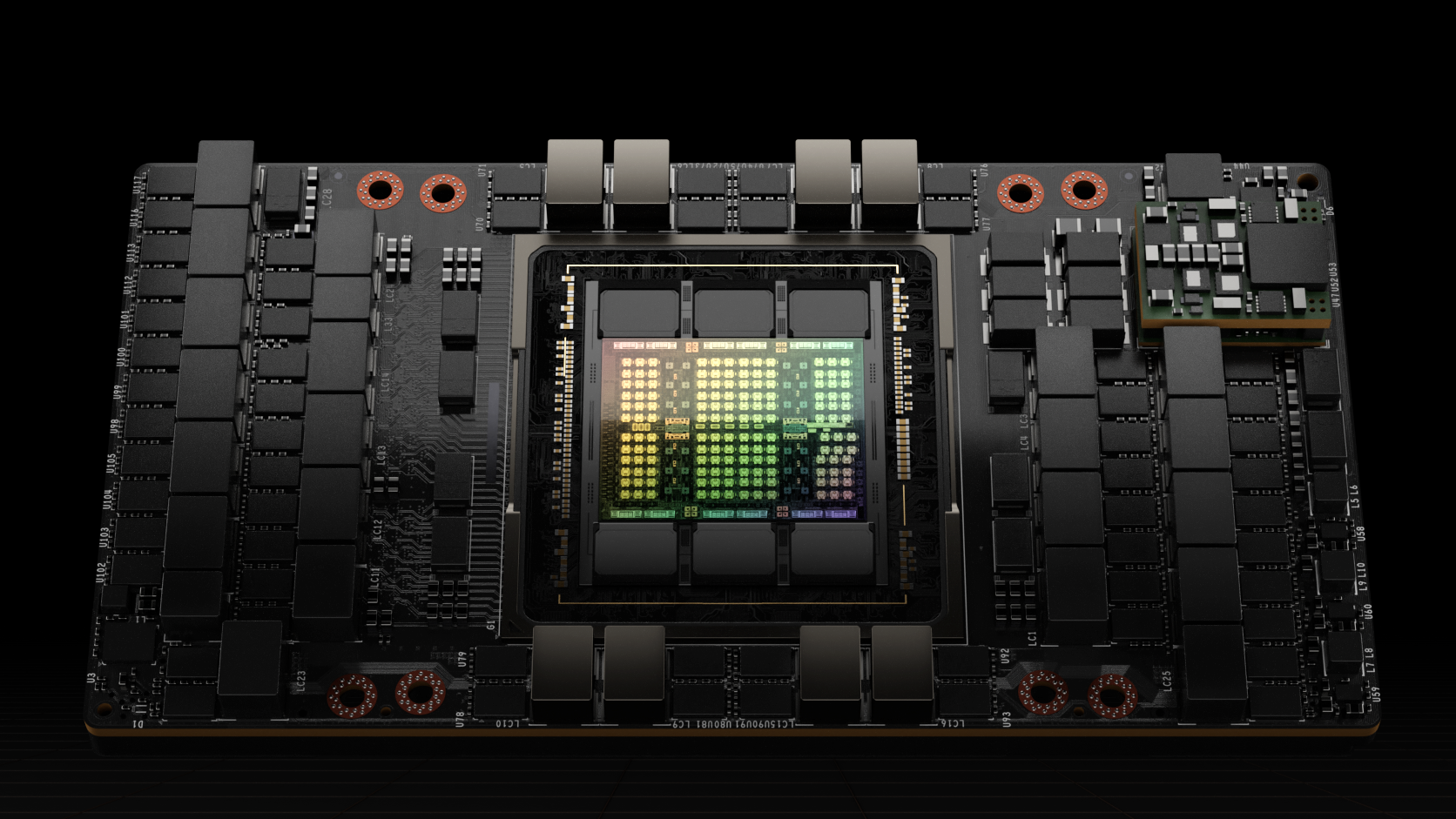
Underneath heavy workloads, autonomous agents send hundreds of parallel API requests and tool calls per minute. Running guardrails on consumer hardware introduces noticeable latency, which is why enterprise pipelines lean on dedicated tensor cores to process safety checks concurrently with model generation.
The NeMo Guardrails framework acts as a programmable proxy sitting directly between your user inputs, your LLM of choice, and the external tools or databases your agent is allowed to touch.
Dell PowerEdge AI Server

When deploying guardrails in a secure corporate network, running your validation models locally on enterprise iron prevents sensitive prompt data from leaking to third-party APIs.
By defining strict topical boundaries and input/output rails using Colang script definitions, you can intercept harmful prompts before they ever hit your primary foundational model.
Logitech MX Master 3S Mouse

Configuring these systems requires fine-tuning prompt templates, regex filters, and Python callback functions to catch edge cases where users attempt prompt injection attacks.
Let us walk through the exact setup process to get a basic Python guardrail pipeline running on your development machine today.
How to Set Up Nvidia NeMo Guardrails in Your Python Agent Pipeline
What You Need Before Starting: A Python 3.10+ environment, pip, an active OpenAI API key or local Llama model via Ollama, and a terminal.
- Step 1: Install the Guardrails Package — Open your terminal and run 'pip install nemoguardrails' to pull down the core library and its dependencies.
- Step 2: Create Your Configuration Directory — Make a new folder named 'config' and inside it, create two empty text files named 'config.yml' and 'rails.co'.
- Step 3: Define Your Rails in Colang — Open 'rails.co' and add a basic definition to block off-topic queries, such as 'define user ask about weather /n respond general constraint about technical scope'.
- Step 4: Configure the Model Mapping — Open 'config.yml' and specify your model provider, setting the model name to match your active LLM endpoint.
- Step 5: Test and Verify — Write a short Python script that imports 'LLMRails', loads your config folder, and invoke a test prompt to ensure the guardrail intercepts prohibited inputs.
Troubleshooting: What If Something Goes Wrong?
PROBLEM 1: ImportError: cannot import name 'LLMRails' from 'nemoguardrails'.
THE FIX: Ensure you did not name your own local python script file 'nemoguardrails.py', which causes a circular import naming conflict. Rename your script to something else.
PROBLEM 2: The guardrail fails to catch prompt injections and lets malicious queries through.
THE FIX: Check your 'config.yml' to ensure the input rail actions are explicitly enabled in the 'rails.input' pipeline array. By default, some base templates only enable output validation.
PROBLEM 3: High latency causing agent responses to timeout during safety evaluation.
THE FIX: Switch your rail evaluation model from a large foundational model down to a smaller, faster model like Llama 3 8B or Mistral 7B specifically for running the semantic similarity checks.
Original step-by-step tech guide & analysis by KejaniTech. Tried this guide or ran into a question? Drop a comment below!


Comments
Post a Comment